
The Copilot vs. ChatGPT fight has a boring resolution, it turns out: You’ll probably wind up paying for both.
Most large companies already run more than one assistant. In Morning Consult’s July 2026 survey of U.S. business decision-makers, Copilot was approved or in use at 73 percent of companies with 5,000 or more employees, ChatGPT Enterprise at 44 percent and Claude at 20 percent.
For companies that run on Microsoft 365, the right AI tech stack for most of them is Copilot for everyone and ChatGPT or Claude for the people who need it. Here’s how to make the call.
What Is Microsoft Copilot?
Microsoft Copilot (formerly Microsoft 365 Copilot) is Microsoft’s AI assistant for work, and it comes in two versions. The free one, Copilot Chat, comes with all eligible Microsoft 365 business plans. Think of it as a secure version of ChatGPT that answers from the web and works with whatever files you paste or upload. A paid seat can read your email, meetings, chats and files on its own, and it works directly in Word, Excel and PowerPoint.
Is Microsoft Copilot the Same as GitHub Copilot or Free Copilot?
Microsoft Copilot is not the same as GitHub Copilot or the free Copilot app.
Microsoft has put the Copilot name on several products, which makes any comparison more confusing than it needs to be. GitHub Copilot is a coding assistant for software developers, licensed separately. There’s also a consumer Copilot app for individuals. In this post, Copilot means the business version inside Microsoft 365.
What’s the Difference Between Copilot, ChatGPT and Claude?
Microsoft makes Copilot, OpenAI makes ChatGPT and Anthropic makes Claude. All three can write, summarize and analyze. What separates them is where they live and the kind of work they do best.
Microsoft Copilot: The Assistant Built Into Microsoft 365
Copilot’s biggest advantage is that it’s already there. Because it sits inside the apps where your work happens, it can pull figures from a SharePoint file into a Word draft or turn a Teams meeting into a list of action items without anyone downloading or uploading a thing.
ChatGPT for Business: The All-Purpose Assistant
ChatGPT is OpenAI’s AI assistant, and its strength is range. Someone can draft a memo, drop a spreadsheet into the same window and ask what the numbers say, then move on to sizing up a vendor without switching tools.
Claude for Business: The Deep Thinker
Claude is Anthropic’s AI assistant, and it’s built for work where the details matter. It follows long, multi-step instructions closely, which makes it a strong fit for contract review, dense technical documentation and code, plus writing that has to sound like a person wrote it. Every paid plan, from Pro on up, includes Claude Code and deep research for questions that take more than a quick search. If a job takes an afternoon rather than a minute, Claude is the one to hand it to.
How Do Copilot, ChatGPT and Claude Compare on Price and Controls?
| Microsoft Copilot | ChatGPT | Claude | |
|---|---|---|---|
| Where it works | Built into Word, Excel, PowerPoint, Outlook and Teams | Its own app, plus Excel, Word, PowerPoint and Google Sheets extensions on Business | Its own app, plus Excel, PowerPoint and Word add-ins and a Microsoft 365 connector |
| What it knows about your company | With a paid seat, your organization’s email, meetings, chats and files, limited to what each person can open; the included Copilot Chat works from the web and from files people reference or upload | What people paste or upload, plus connected apps: Microsoft 365, Google Workspace, Slack and GitHub | What people paste or upload, plus connectors; the Microsoft 365 connector searches SharePoint, OneDrive, Outlook and Teams once a Microsoft admin approves it |
| Standard business price | Copilot Business: $21 per user per month paid yearly ($18 in the first year for existing Microsoft 365 Business customers who buy by Dec. 31, 2026), or $25.20 billed monthly | Business: $20 per seat per month billed annually, or $25 billed monthly | Team: $20 per seat per month billed annually, or $25 billed monthly |
| Premium seat | None; heavier use is metered | $100 per seat per month billed annually or $125 monthly, for five times a standard seat’s usage | $100 per seat per month billed annually or $125 monthly, for five times a standard seat’s usage |
| Seat limits | Up to 300 licensed users per tenant; above that, Microsoft 365 Copilot is $30 per user per month, paid yearly | Business: two to 200 seats | Team: two to 150 seats; Enterprise: 20-seat minimum |
| Admin controls | Your existing Microsoft 365 sign-in and permissions, plus Microsoft Purview, which can audit, retain and search Copilot prompts and responses | Single sign-on on Business; automatic account setup and removal (SCIM), IP allowlisting and a Compliance API on Enterprise only | Single sign-on on Team; SCIM, IP allowlisting and a Compliance API on Enterprise only |
| Trains on business data | No, per Microsoft | No, by default, per OpenAI | No, by default, per Anthropic |
Prices are as of Nov. 3, 2026.
Why Shouldn’t Employees Pick Their Own AI Assistants?
Most employees will pick a perfectly good assistant for themselves. The problem is that a pile of individual choices doesn’t add up to a plan. The costs turn up in expense reports and surprise renewals, and company files end up in accounts the business doesn’t own.
Company Files Leak Into Personal ChatGPT and Claude Accounts
A personal AI account belongs to the employee, and so does everything in it. When a salesperson uploads a client proposal to a personal ChatGPT account, that file now lives somewhere your company can’t see, manage or get back. This kind of unapproved use, often called shadow AI, is common. In Microsoft and LinkedIn’s 2024 Work Trend Index, 78 percent of AI users said they bring their own tools to work.
You Pay for Copilot and ChatGPT Seats Nobody Uses
A team that gets Copilot licenses and keeps doing everything in ChatGPT leaves those Copilot seats sitting idle, and Microsoft bills you either way. A Copilot licensing audit finds those seats before renewal, while you can still do something about them.
AI Instructions One Person Builds Stay With That Person
When someone builds something useful on their own, the win stays with them. Say an HR manager writes a set of instructions that turns interview notes into a candidate summary. It works beautifully, and nobody else on the HR team ever sees it. Shared workspaces and skills on a company plan are what turn one person’s good idea into the whole team’s habit.
AI Usage Charges You Can’t Keep Up With
The seat price is where the bill starts. ChatGPT sells credits for extra access, Claude bills extra usage at Anthropic’s API rates and Microsoft bills Copilot Credits. Turn on an agent such as Copilot Cowork and Microsoft bills that work as usage on top of the seat.
Microsoft also has a billing change coming. Starting Dec. 1, 2026, new Copilot Business licenses bought through a Microsoft partner will have usage-based billing turned on by default, with a default limit of 4,000 Copilot Credits per user per month that admins can change, according to Microsoft’s October 2026 partner announcements.
How to Decide Who Gets Copilot, ChatGPT or Claude
The good news is that most of what you need to decide is already in your expense reports and your Microsoft 365 admin center.
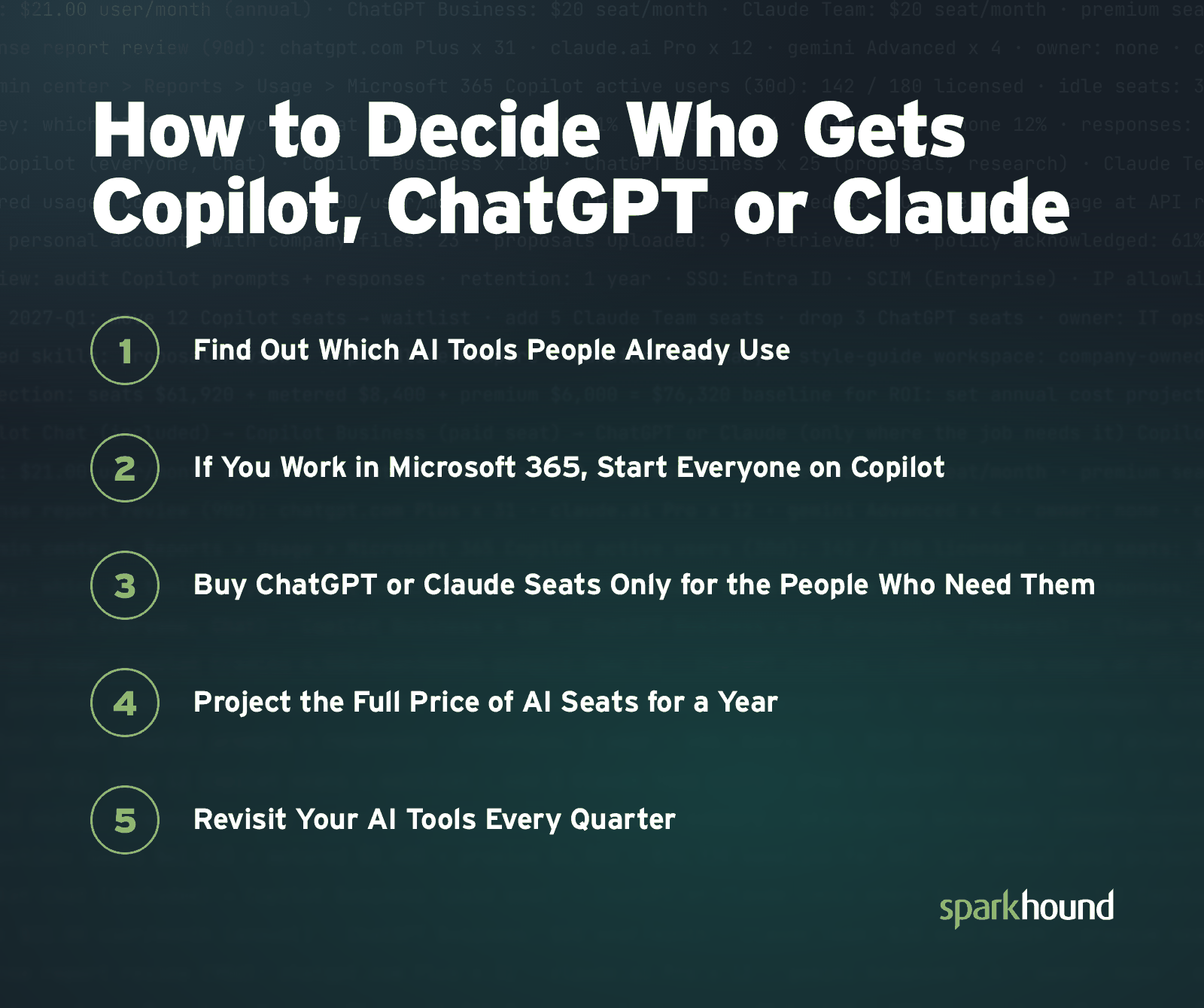
1. Find Out Which AI Tools People Already Use
Ask before you buy. A short survey can uncover which AI tools people already prefer, and a shadow AI audit turns up the ones they forgot to mention.
2. If You Work in Microsoft 365, Start Everyone on Copilot
Anyone on an eligible Microsoft 365 plan already has Copilot Chat, so the only decision here is who gets a paid seat. Start with the people whose job is stitching information together, such as project and account managers who live in email threads and meeting notes, or managers who need to catch up on meetings they missed. Then check Copilot’s usage report in the Microsoft 365 admin center after a month or two. Move seats away from people who aren’t using them and toward the people asking for one.
3. Buy ChatGPT or Claude Seats Only for the People Who Need Them
A second assistant earns its keep on specific jobs, like proposal writing, research and analysis. And heavy use tends to cluster. OpenAI’s State of Enterprise AI 2025 report found that among its enterprise customers, the top 5 percent of users send six times as many messages as the median employee.
4. Project the Full Price of AI Seats for a Year
You can’t measure the return on AI until you know what it costs, and that number is bigger than any single seat price suggests. Add up a full year for every tool, including metered usage and premium seats. That total is the baseline every ROI conversation starts from.
5. Revisit Your AI Tools Every Quarter
AI tools change too fast for a once-a-year review to keep up. Microsoft, OpenAI and Anthropic are racing against each other, and each one ships new features and new pricing every few months. Microsoft’s Copilot Cowork now runs whole tasks from start to finish, and Claude can now build slide decks, documents and designs on its own. A feature one tool lacked last quarter can be the reason to move seats this quarter. Check your mix every quarter, and again whenever a vendor ships something big.
Put Someone in Charge of Managing AI
Nobody gets this mix right once and walks away. Prices move, plans change and somebody on your team will find a new tool on a Tuesday. That’s normal. Someone at your company should own your AI tools, the same way someone owns the phone bill. That person tracks who has which seat, reviews the mix every quarter and keeps every account in the company’s name. Then the next pricing change is a short conversation, not a scramble.
Not sure who would take that job at your company? Sparkhound’s AI Managed Services can handle it, from governance and administration to training your team.
Frequently Asked Questions About Copilot vs. ChatGPT vs. Claude
Do I Need ChatGPT If I Have Copilot?
Not everyone who uses Copilot needs ChatGPT as well. Copilot covers most of the work that happens in email, meetings and documents. A ChatGPT seat makes sense for the few whose jobs reach beyond Microsoft 365, and since ChatGPT Business connects to Microsoft 365, Google Workspace and Slack, it runs comfortably alongside Copilot. Start with the people who ask for it, and add seats once you see them using it.
Does Copilot Use Claude?
Microsoft Copilot uses models from Anthropic, the maker of Claude, in some features. Microsoft said Copilot Cowork, an agent that runs a task from start to finish, ran on Anthropic models when it became generally available on June 16, 2026, and Microsoft’s support documentation says Copilot in Excel can use Anthropic and OpenAI models once an admin allows the Anthropic ones. That’s still different from buying Claude seats, which are Anthropic’s own product with separate plans.
Is Copilot Safer Than ChatGPT?
Copilot is not automatically safer than ChatGPT. Each tool is only as safe as its setup. Copilot only reaches data people are authorized to access, which means a folder that’s shared too widely is still shared too widely, and Copilot will find it. Check who can open what in SharePoint and OneDrive before you turn Copilot on. On the ChatGPT side, OpenAI says your organization owns its business data in ChatGPT Business, but that promise covers the business plan. Personal accounts follow different terms.
When Should a Business Use Claude Instead of ChatGPT?
Choose Claude instead of ChatGPT when the work runs long and has to be right, such as proposals, contracts, analysis and code. Claude can read a long RFP and a contract redline together and tell you what changed. On Team and Enterprise plans, owners can share skills across the company, so a style guide or review checklist gets set up once and used by everyone. Claude’s Microsoft 365 connector also lets it work from SharePoint, OneDrive, Outlook and Teams with each person’s existing permissions, once a Microsoft admin approves it. ChatGPT is the better fit for people who want one assistant for a mix of quick, everyday jobs.
How Does Sparkhound Help Companies Manage AI Tools?
Sparkhound helps companies manage AI tools through AI Managed Services, which support governance and adoption for one flat monthly fee with no markup on underlying AI licenses. The services cover security oversight, platform administration, custom skill engineering, workforce fluency, executive strategy and dedicated user support for Microsoft Copilot and for Claude on Team or Enterprise plans.