
Wondering what the biggest risk to Copilot readiness is? Waiting for a perfectly tidy Microsoft 365 setup before you try.
Microsoft reported more than 30 million paid Copilot seats on its July 29, 2026, earnings call. If your teams are asking for it too, it’s tempting to move fast and skip the housekeeping. But Copilot can pull up any file someone’s account can open, so if you buy licenses before you check permissions, an ordinary question can turn into a leak of salaries, contracts or board plans.
You don’t need a multi-year governance project before you buy your first seat. Lock down the few sites that would do real damage if exposed, then put Copilot in people’s hands and teach them to use it well. Waiting for every file to be perfect won’t protect you, because people without an approved AI tool are already pasting your sensitive work into free chatbots.
What Is a Copilot Readiness Assessment?
A Copilot readiness assessment is a security review, run by your IT team or an outside partner, that checks whether your Microsoft 365 permissions, access policies and data are locked down well enough to turn on Microsoft Copilot. It maps how your files are shared, finds folders where security settings broke over time and flags sensitive SharePoint content the wrong people can see.
3 Ways to Check Your Copilot Readiness
You can start with any of these three options.
| Option | Who Runs It | What It Checks | Best For |
|---|---|---|---|
| Microsoft’s Copilot readiness report | Your IT administrator | Who has a qualifying license and whose devices are on an eligible update channel | A quick technical check before you buy seats |
| A self-guided questionnaire, such as Sparkhound’s AI Readiness Assessment | Business and IT leaders together | How you use AI today, where your data lives and whether people use unapproved AI tools | Getting leadership aligned before you spend |
| A partner-led audit | A Microsoft partner such as Sparkhound | SharePoint sharing, overshared links and tenant access settings | Companies with years of file sprawl or sensitive records |
3 Questions to Answer Before You Turn On Copilot
How ready you need to be depends on your business. Matt Meyer, principal technologist at Sparkhound, calls it a trade-off between “the business’s tolerance for internal data leakage against their desire for AI ROI.” Your answers to these three questions tell you how far along you need to be.
What’s Your Biggest Fear?
Copilot can show your files to the wrong people inside your company. Free AI tools can send your data outside it. If your people are already using free tools, you’re “leaking IP like a sieve,” as Meyer puts it, and getting an approved tool in place fast is your safer move.
Do You Know Where Your Most Sensitive Files Live?
This is the one bar you have to clear. Your business “needs to know what sites are the most sensitive and have those sites locked down and security in place before Copilot is released,” Meyer says. “Everything else is really secondary and can be done as needed, where it is needed.”
Who Will Own Adoption?
Someone on your team needs to own adoption after launch, running a regular Copilot licensing audit to see who actually uses their seat and moving licenses to people “where they are doing the most good,” as Meyer puts it. Name that person before the first seat goes live.
What Happens When You Skip Copilot Readiness
Turn on Copilot without the readiness work, and two problems tend to follow.
Sensitive Files Surface in Seconds
Copilot never shows anyone a file they can’t already open. But it honors every permission you have, including the ones you forgot to clean up. For years, you could count on people not knowing where executive files lived. One plain-English question to Copilot ends that.
Readiness work exists, Meyer says, “so that Copilot can only see what the user is supposed to see, when and where they are supposed to see it.”
Old Sharing Links Open Files to Everyone
If anyone at your company ever shared a sensitive folder with everyone, Copilot can surface it. “All the security in the world is useless if someone shares a folder out with sensitive data to everyone in the company,” Meyer says. “And… people will do that if it is the first and easiest option to choose. So, we need to be aware of where potential leaks can happen, where do we need to do information architecture reviews and make sure we secure sensitive sites back to their baseline.”
“Sharing, in the old days, broke security models,” he says. “If you have those old sharing links around, and if your SharePoint deployment is over a year old, you do. You have exposure now to potential data leakage. Security by obfuscation is no longer a thing when you have a computer program that can filter by metadata and produce results based on what you have semantically asked, and has access to everything you have access to. Even the stuff you do have access to but don’t know it.”
Your Copilot Readiness Checklist: 6 Steps
Work through these steps in order, starting with the ones that close your biggest exposures.
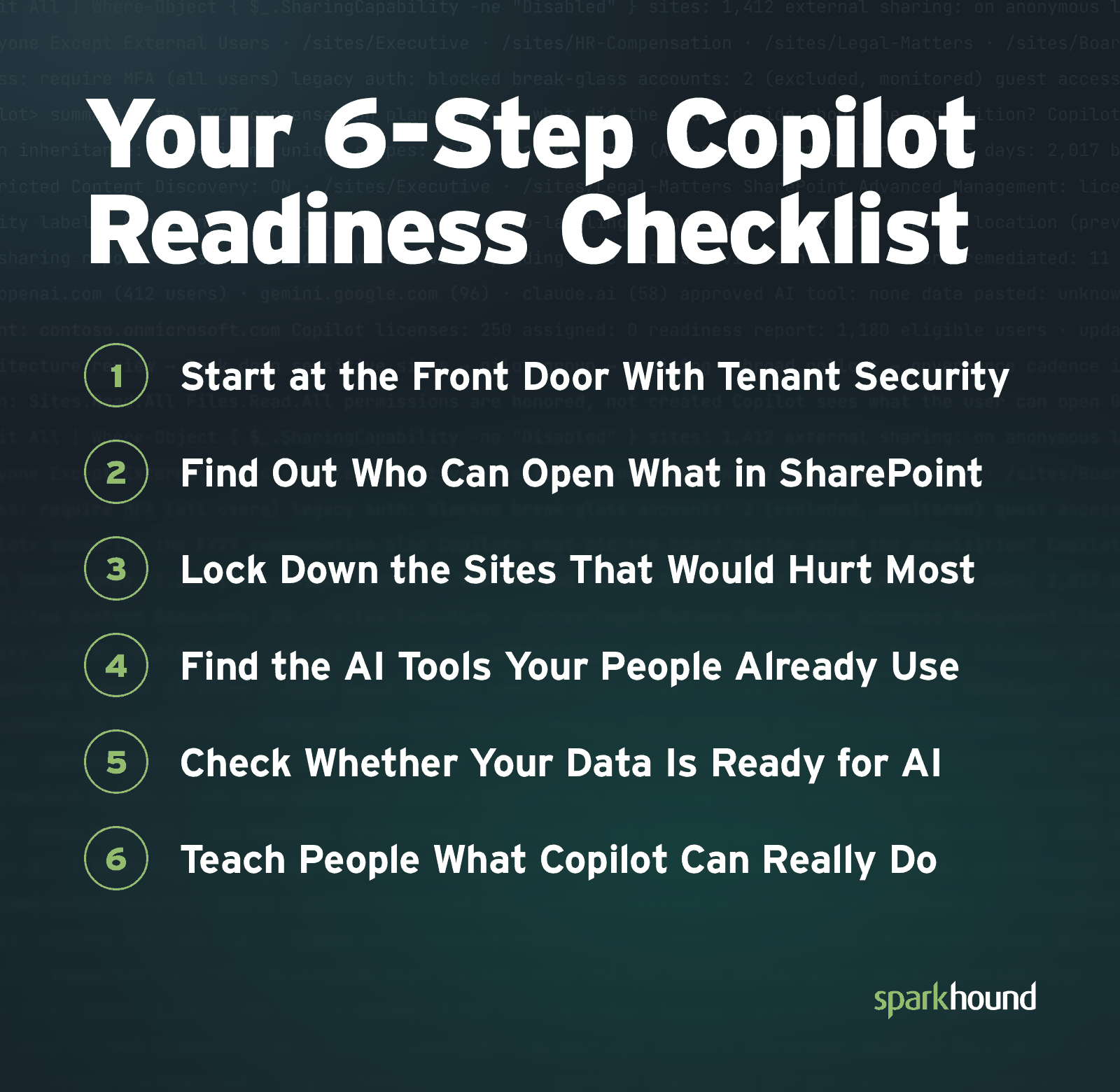
1. Start at the Front Door With Tenant Security
Before you look at a single file, check who can get in. “We look at the overall security of the tenant first: Do you have conditional access policies in place, do you use MFA for all accounts, do you have proper security around break-glass accounts, what are your global sharing policies and what are your guest account policies?” Meyer says. Most of those answers live in a handful of Microsoft 365 settings worth checking.
2. Find Out Who Can Open What in SharePoint
Next, test whether your SharePoint security works the way you think it does. “Are your security models working? Do you have a lot of locked-down sites with a ton of sharing to Everyone Except External Users (EEEU)? Do you have sites with a lot of broken security inheritance?”
3. Lock Down the Sites That Would Hurt Most
You don’t need to audit every project archive from the past decade. Focus on the sites that would cause real harm if the wrong person saw them, such as executive pay, HR records and legal files. “What sites need to be locked down such that only the people within the site need access, and where do they stand right now?” Meyer asks. Restrict those sites with site-level permissions. While you clean up, Microsoft’s Restricted Content Discovery can keep chosen sites out of Copilot answers.
4. Find the AI Tools Your People Already Use
Readiness is as much about what happens outside your tenant as inside it. “Are your people using AI tools that the company has not vetted? Are they using systems that the company has not vetted?” Meyer asks. Knowing which free tools your teams already rely on shows you where private data may be leaking through public AI tools, and it makes the case for giving people an approved one.
5. Check Whether Your Data Is Ready for AI
Last, look at where your best data lives and how ready your people are to use it. “How is the company currently using AI? Where is the data that you would like to use AI stored? How clean is it? How can we get at it? What is the acceptable performance degradation of production systems that we connect AI to?” Meyer says.
6. Teach People What Copilot Can Really Do
If you hand out licenses without training, they’ll sit unused. “The biggest mistake I see companies make when preparing to adopt Copilot is not realizing the power of the tool and not training their users to harness that power,” Meyer says. “A Copilot license isn’t just something I can use to talk to my data. It enables me to organize my files, create important metadata columns and automatically populate them. It enables me to automate processes simply by talking about it.”
“Most companies barely understand how the chat part works, let alone Cowork, and now Code and Autopilots,” he says. Many companies adopt Copilot thinking they need custom agents for every job, when, as Meyer puts it, “they have been handed the most powerful automation engine the world has ever seen. Getting people to see that value, to use that value, is the biggest ROI outside of ‘built AI.’”
Microsoft 365 Copilot Readiness Starts With Your Most Sensitive Sites
Lock down the sites that would hurt most, teach your people what Copilot can do and handle the rest as your rollout grows.
If you’d like help, Sparkhound’s AI Managed Services provide ongoing security oversight and training as more of your people start using Copilot.
Frequently Asked Questions About Copilot Readiness
These are the questions business leaders ask most often before they turn on Copilot.
What Does It Mean to Be Ready for Copilot?
Being ready for Microsoft Copilot means your business has weighed how much internal data exposure it can live with against the return it wants from AI. At a minimum, you know which SharePoint sites are most sensitive and have them locked down before Copilot is released. Copilot can open anything the person asking can open, so readiness starts with knowing who can already reach what.
Do You Need a Readiness Assessment to Buy Copilot?
You don’t need a readiness assessment to buy Copilot. Microsoft lets you buy and assign Copilot licenses right away. Skipping the assessment is still risky, because Copilot answers from every file, email and chat a person can open. If your SharePoint permissions allow broad sharing, a simple question can surface files that were never meant to be widely seen. A Copilot readiness assessment finds that oversharing before Copilot does.
What Firms Help With Copilot Readiness?
Microsoft partners and managed IT providers can help you get ready for Microsoft Copilot. Sparkhound, a Microsoft Solutions Partner, reviews tenant security, finds overshared SharePoint sites, locks down sensitive content and trains users, so your IT team doesn’t have to untangle years of permissions alone.
How Long Does a Copilot Readiness Assessment Take?
How long a Copilot readiness assessment takes depends on the size and age of your Microsoft 365 environment. Start with the minimum: understand your SharePoint sharing, find your most sensitive sites and lock them down before Copilot is released. Sparkhound treats everything else as secondary work to do where it’s needed.
What Is Copilot Governance?
Copilot governance is the ongoing set of policies, access controls and user guidelines that decides how AI tools interact with your company’s data. It covers acceptable use rules, keeping confidential sites out of Copilot and sensitivity labels in Microsoft Purview. Governance continues after the first readiness check, as your people create new Teams channels and SharePoint sites, and it tracks which licenses are actually being used.
Can You Keep Sensitive Sites Out of Copilot While You Clean Up?
You can keep chosen SharePoint sites out of Copilot while you clean up permissions with Microsoft’s Restricted Content Discovery. It hides those sites from Copilot answers and company-wide search, but it doesn’t change permissions, so anyone who already has access can still open the files directly. Microsoft describes it as a temporary control and warns that using it on too many sites limits what Copilot can draw on. It’s available to organizations licensed for Copilot that have SharePoint Advanced Management. Sparkhound still treats locking down your most sensitive sites before Copilot is released as the minimum.