
When you hire a temporary clerk to help with accounts payable, you don’t hand them the keys to the CEO’s inbox and the payroll folder. But that’s exactly what happens when someone on your team builds an AI agent for business under their own login. The agent can open every file, spreadsheet and email thread that person can.
Most companies haven’t set rules for this yet. A Gartner survey of 297 cybersecurity leaders in the second quarter of 2026 found that 54 percent of their organizations either had no defined approach to limiting AI agent access or relied on the access already granted to people.
An AI agent is only as risky as the access you hand it. Hire your first one the way you’d hire that clerk, for one job, with its own keys and a manager who answers for it, and it can take work off your team without putting the payroll folder in play.
What Are AI Agents for Business?
AI agents for business are software tools built on AI models that take a goal, work out the steps and carry out tasks across your business apps without someone prompting each step.
AI Agents vs. Chatbots
The difference between an AI agent and a chatbot comes down to action. “An AI agent is an application that has an AI model primary component, and does something,” says Matt Meyer, principal technologist at Sparkhound. “It differs from chatbots in that last part. An agent does something. Chatbots retrieve information and respond to questions but don’t have the ability to act on that information. Boiling it down, if you ask a chatbot to gather some information and write you an email response, it will do that and give you the email text for copy/paste. An agent will give you the recommendation, and create an actual email draft for you to review and send.”
And the line between the two is fading. “In reality, chatbots are becoming more and more rare in favor of agentic systems,” Meyer says. “As you use AI, native functionality moves into agentic work to make your life easier.”
“They can potentially do anything you give them the ability to do,” he says. “If you have a process that you can describe, you have agents that can handle that process.”
When Plain Automation Is Enough
Use plain automation when the steps never change, and an AI agent when the job takes judgment or messy inputs.
| Feature | Plain Automation (e.g., Power Automate) | AI Agents |
|---|---|---|
| How It Works | Follows fixed if-then rules | Uses an AI model to work out the steps |
| Messy Inputs | Breaks when a form or document layout changes | Reads messy PDFs and free-form emails |
| Something Unexpected | Stops with an error | Weighs the context and picks a next step |
| Best For | Copying form entries into a spreadsheet | Matching invoices or sorting support tickets |
| How You Pay | A flat fee per flow or per seat | By usage, in credits or tokens |
Why AI Agent Governance Matters for Growing Companies
AI agent governance matters because an agent with no limits can open files it shouldn’t and run up a bill nobody planned for.
AI Agents Can Open Whatever Their Builder Can
When an agent runs as you, an ordinary request can go wrong fast. “An agent running as me has access to everything I have access to,” Meyer says. “No guidelines or barriers. If I have access to our policy SharePoint site, so does my agent. If I write a bad prompt, say I want to rewrite our policies to include rights for unicorns, my agent may decide that the best way to go about that is to delete all of the existing policies so that they can be rewritten with unicorn rights. My account has the rights to do that, therefore so does my agent, and it will happily carry out my instructions.”
That’s also what makes agents useful. “Agents are designed to loop through tasks, learn what does and does not work, and accomplish the task. What do you mean, that sounds awesome! Yay!” he says. “I think that too, but you have to realize that the agent has most of the world’s knowledge at its fingertips and will find ways that you never expected to accomplish the task, if it is allowed to. The danger isn’t that the agent is malicious. The danger is that it’s resourceful. If you tell it what outcome you want and give it broad permissions, it may find a path you didn’t expect. That’s why permissions, guardrails, approvals, and isolated execution environments matter.” Tightening who can open what before you build is the same work that goes into Copilot readiness.
Autonomous AI Agents Change the Bill Every Month
An agent that runs on its own is billed by the work it does. “How much it costs is going to depend on a number of different factors,” Meyer says. “It all comes down to how much it is being used and what level of ‘thinking’ it is allowed to do.”
In Microsoft Copilot Studio, agents that start on a schedule or an event trigger use Copilot Credits even when everyone holds a Microsoft 365 Copilot license. A busy month, or a stuck job that retries all night, shows up on the bill. Your Copilot seats are a separate line, and a regular Copilot licensing audit keeps those in check.
How to Build and Deploy Business AI Agents
You don’t need an army of software engineers to put AI agents for business to work. Start with these six steps.
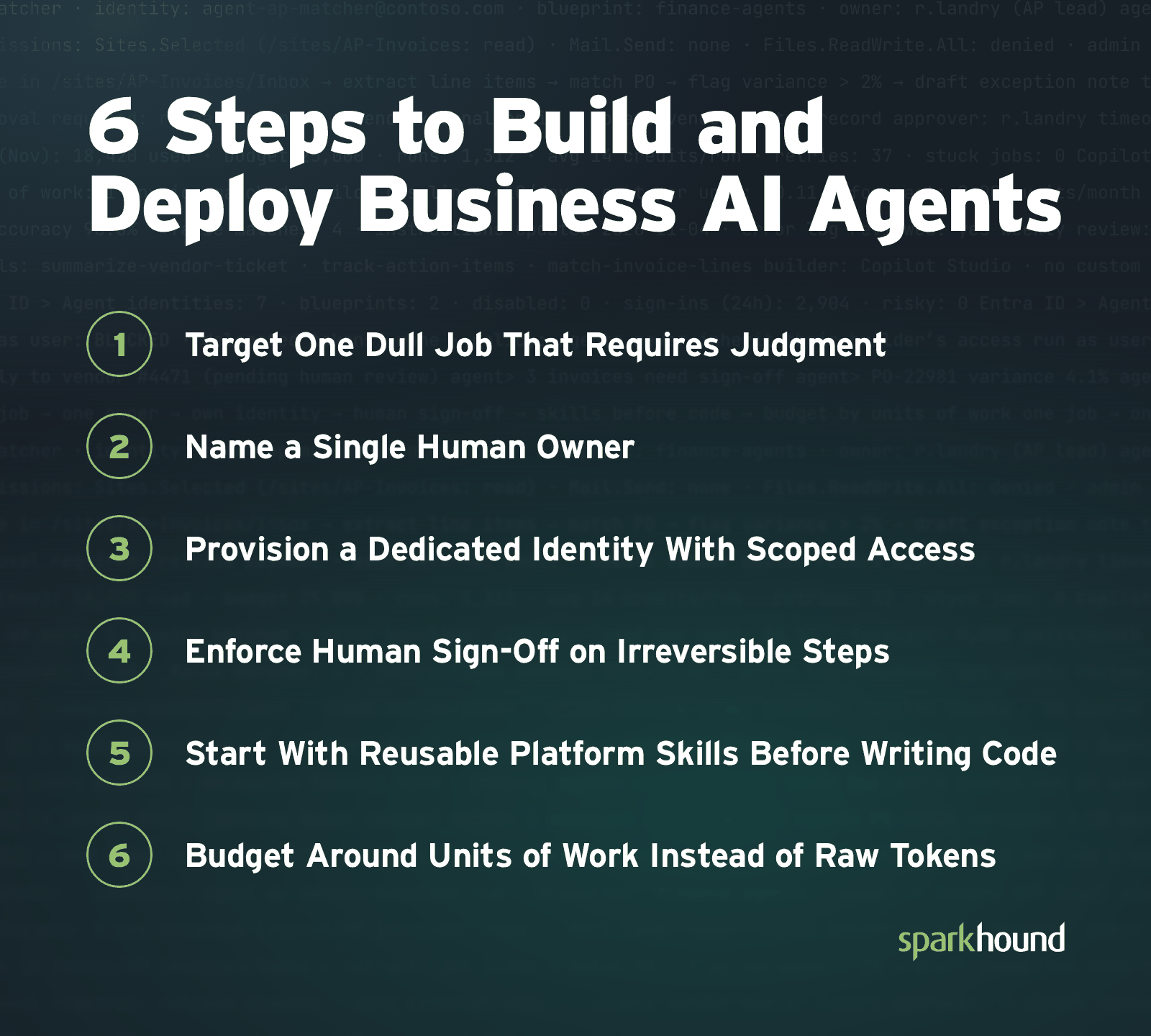
1. Target One Dull Job That Requires Judgment
Look for a repetitive task that eats skilled people’s hours because the information coming in is messy. Summarizing vendor tickets, tracking open action items or matching line items across invoices are good places to start.
Asked what would surprise small business owners about agents, Meyer points to the gap between free and paid AI tools. “If you are using a free version of your AI platform, you are actually not realizing the biggest ROI,” he says. “Free versions, set aside the security issues, have none of the huge time-saving features that paid AI has. Many companies stop at the initial cost of AI. They wonder if they can get ROI. The answer is emphatically, yes.”
“As an example, I used to spend hours creating and grooming my task boards,” he says. “It was a major cost line item in projects, and it was just accepted as the price of managing the project. With AI, boards are created and groomed in minutes. The longest part is me deciding a few questions that the agent asks. I’m then free to use my time developing and doing the actual project work. The overall monthly cost of my AI in tokens and licenses is paid for in that one execution. And I’m doing several of these a day. Multiply that by several employees a day.”
2. Name a Single Human Owner
Every agent needs one named owner before it goes into production. That person checks its accuracy every week, reviews its error logs and updates its instructions when the process changes.
3. Provision a Dedicated Identity With Scoped Access
Never let an agent run with broad admin rights or someone’s personal login. Give the agent its own identity in Microsoft Entra, with access limited to the SharePoint libraries, tables or shared mailboxes the job needs.
“An agent that has its own identity, just like a person, can be restricted in what it has access to,” Meyer says. “I can grant that identity only read access to the policies site so it can do its rewriting jobs, but it can’t delete or change the existing site.”
4. Enforce Human Sign-Off on Irreversible Steps
Let the agent gather information, check records and draft, but have a person approve anything that commits company resources. Sending an email outside the company, releasing a payment or changing a master record should always take a human click.
5. Start With Reusable Platform Skills Before Writing Code
Begin with the simplest tool that does the job. “Small, repeatable tasks can often be packaged as instructions, skills, or other reusable capabilities within the AI platform your company already uses,” Meyer says. Save code for the hardest jobs. “Instruction-based agents are the easiest, with most of that work being done in no-code style GPTs, Claude Hosted Agents, or Microsoft Agent Builder,” he says. “When you get into very complex agents, that is when you are writing the code and calling the language models via their API interfaces.”
“What does your company need? Likely a mixture of all three,” Meyer says. “Start small with the ones that just need instructions and skills. Once you get into situations where you want a prescribed workflow and advanced reasoning, it is time to talk to your IT team to get some professional development on it.”
6. Budget Around Units of Work Instead of Raw Tokens
Forecasting a monthly budget from raw token math is frustrating and unreliable.
“I like to run pilot projects to get a baseline of how much the agent is being used and then try to scale the costs per person at an average level of use,” Meyer says. “You can get caught, however. If the pilot program didn’t use the agent enough, your costs will be way off if usage takes off.”
His fix is to budget around what he calls a representative task. “Make a good example of a representative task… review a contract, resolve a support request, run one complex skill. Something that you know people are going to be doing,” he says. “Make your budget not about tokens, measure your usage, but budget around your units of work.”
Putting Agents to Work Safely
If you’d like help, Sparkhound’s AI Managed Services include 2 to 4 new custom skill builds a month, bundled break-fix support and a virtual Chief AI Officer.
Frequently Asked Questions About AI Agents for Business
Here are answers to common questions about AI agents for business.
What Is AI Agent Governance?
AI agent governance is the set of rules that controls what your AI agents can open, what they can do on their own and how much they can spend. It also covers the rest of an agent’s life. Microsoft recommends putting an end date on an agent’s access so it doesn’t keep permissions indefinitely. When the person responsible for an agent leaves or changes roles, Microsoft Entra can alert their manager and pass responsibility for the agent to a co-worker or manager automatically. Agents can also break when nothing on your side has changed. When the AI platforms underneath them update their models or APIs, custom prompts and autonomous agents frequently fail, Sparkhound notes.
What Is an Agent Identity Blueprint?
An agent identity blueprint is a template in Microsoft Entra ID for creating AI agent identities. It sets the shared sign-in and security settings for a group of agents, and each agent built from it still gets its own identity and its own access. Sparkhound’s Matt Meyer compares it to a house blueprint: you can build many houses from one plan, and each one is still its own house. If an admin disables the blueprint, none of the agent identities created from it can sign in. Meyer expects the term to catch on: “We are all going to have to get used to the terms ‘identity blueprint’ and know what that means for agents and governance.”
How Do Microsoft Copilot Agents Work?
Microsoft Copilot agents are AI assistants you build in Copilot Studio that work with your Microsoft 365 data and other business apps. They can answer questions from your files, start on their own when something happens, such as a new file landing in SharePoint, and carry out tasks within the access your security settings allow. To keep an agent’s bill in check, an admin can set a monthly credit limit for each agent in the Power Platform admin center, under Licensing > Copilot Studio > Manage Agents. An agent that reaches a limit set to stop usage is blocked from running.